Start with the school day.
Understand the process and the people responsible for it before designing the software.
OUR STORY
Main Office Works began with an assistant principal building tools for the school day he was responsible for.
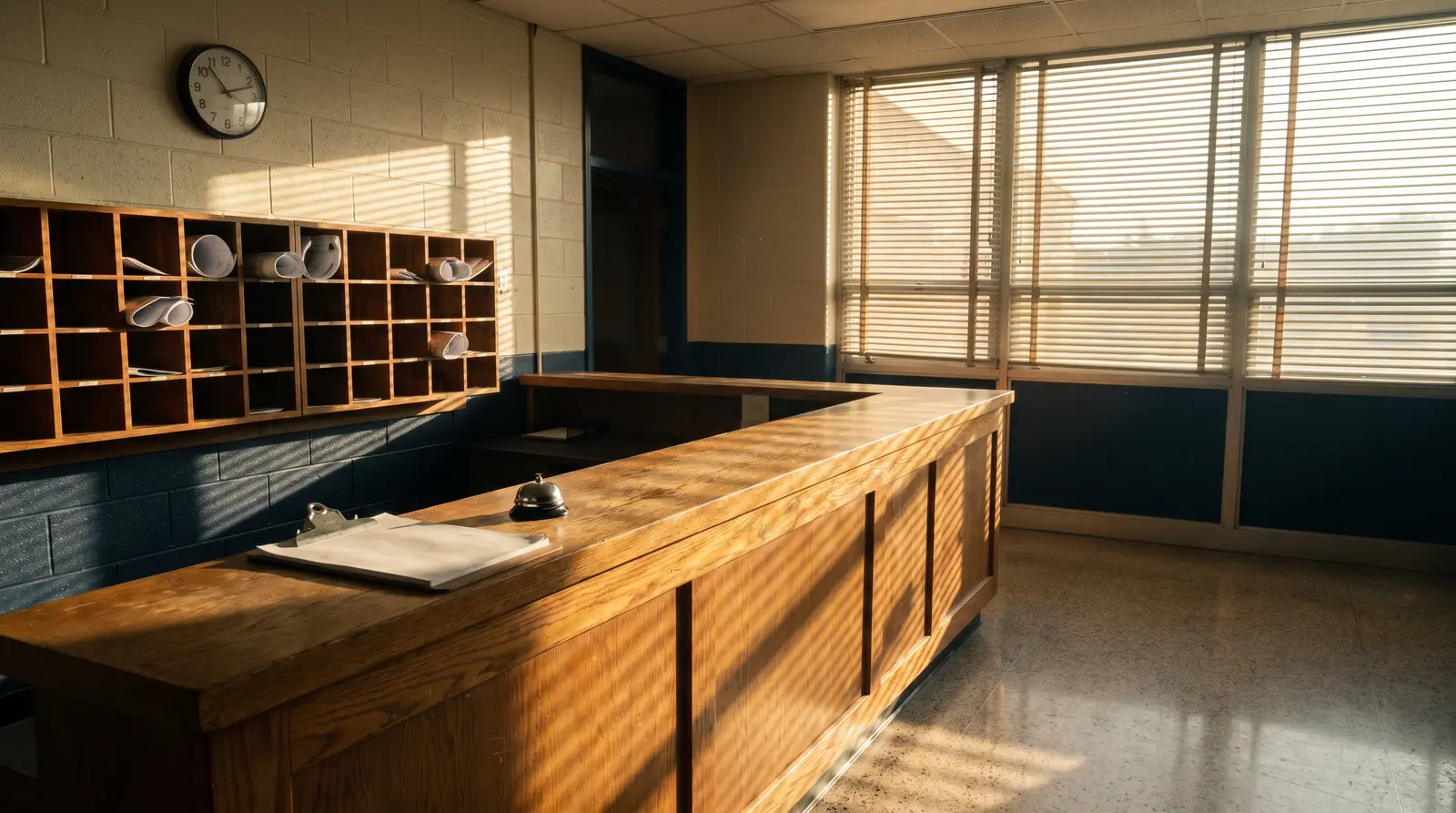
A NEW JERSEY PUBLIC HIGH SCHOOL
A conduct process lived in forms and email. A device program relied on spreadsheets and clipboards. The details were there, but keeping track of the next step demanded too much work.
The assistant principal responsible for those processes began building tools for his own building. Those practical workflows grew into six applications for conduct, devices, attendance recovery, coverage, staff attendance and the staff directory.
Clear steps, familiar school responsibilities and useful records matter more than adding another screen to the day.
Understand the process and the people responsible for it before designing the software.
Keep common tasks understandable, with context close to the work and access appropriate to the role.
Improve the product through the practical needs of school staff, one working process at a time.
LET’S LOOK AT YOUR SCHOOL DAY
See the working applications with the founder. Talk through your daily routines and where a clearer process could help.
Request a demo